
Updates, Hotfixes and Known Issues
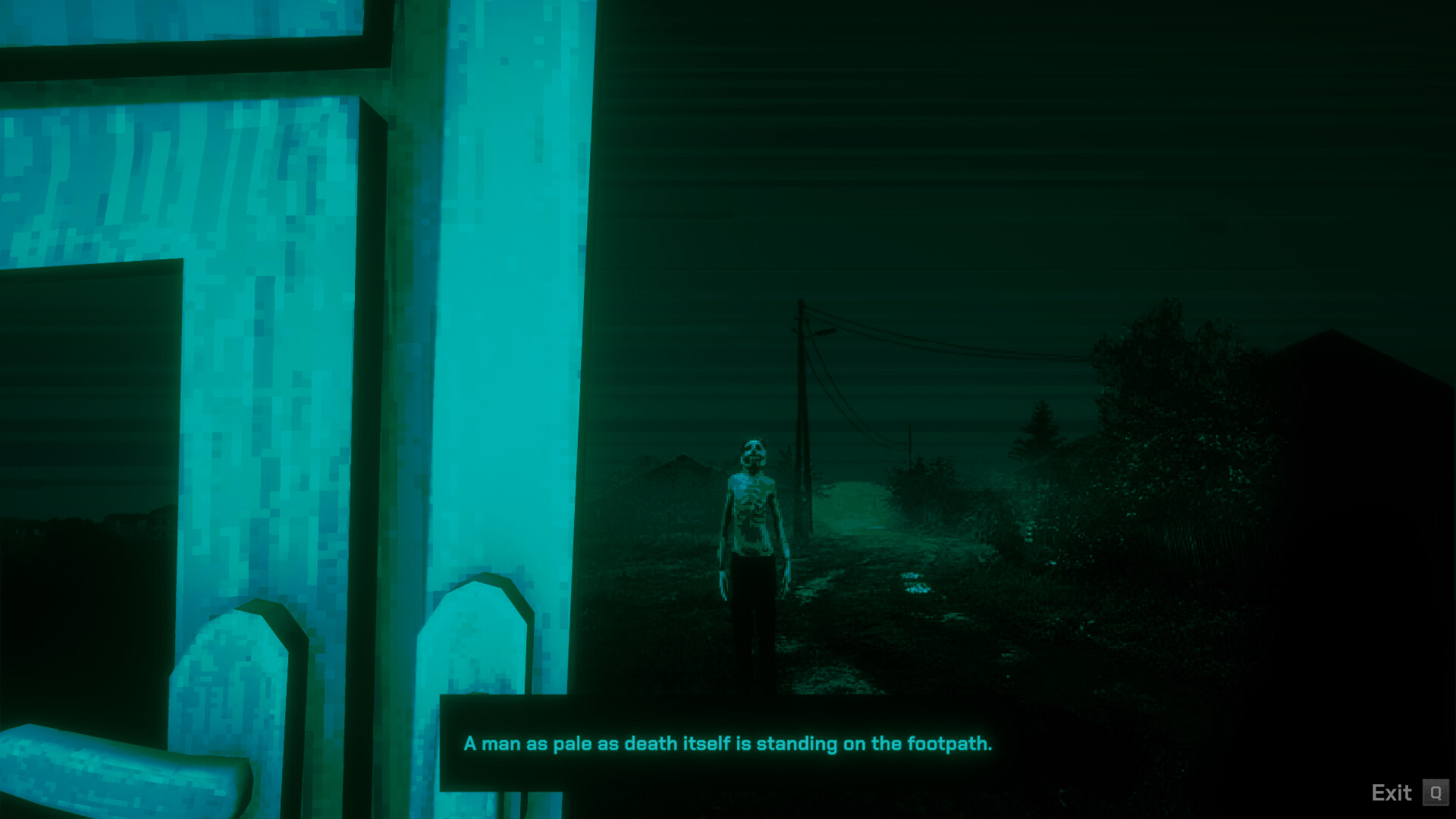
This page tracks all official No, I'm not a Human updates updates, hotfixes, and known issues for No, I'm not a Human since the September 15, 2025 launch. We summarize key changes and link directly to official Steam Community announcements for complete patch notes and developer commentary. Stay current with the latest fixes to ensure optimal gameplay experience.
Complete Patch Timeline
September 2025 Launch Window Updates
September 18, 2025 — Major save system stability update addressing critical progression issues. Fixed rare cases where night transition saves could cause permanent guest disappearance. Improved save file corruption detection and recovery systems. Official announcement.
September 16, 2025 — Comprehensive localization improvements including Japanese font migration to DotGothic for improved readability, expanded Korean character atlas covering additional dialogue variations, and corrected text alignment issues in multi-byte character languages. Input system refinements for mixed controller/keyboard scenarios. Full patch notes.
September 15, 2025 — Day-one hotfix addressing localization display issues in character collection entries, corrected missing character references in specific language versions, and resolved Steam achievement unlock timing problems. Baseline stability improvements for launch day player influx. Launch day fixes.
Pre-Launch Beta Updates (Reference)
The final weeks before launch included extensive beta testing through Steam's playtesting system. Beta updates focused on balancing examination energy costs, refining Visitor tell reliability, and optimizing ending trigger conditions based on player feedback. These changes were incorporated into the launch version and do not require separate installation.
Save System Status and Best Practices
Current Save System Stability
Following the September 18 hotfix, save system reliability has significantly improved with comprehensive protection against the most common corruption scenarios. The current system includes automatic backup creation, corruption detection during load operations, and recovery systems that can restore progress in most failure cases.
Best practices for save management include avoiding saves during night transition sequences when guest arrival animations are active, maintaining multiple save slots when possible, and backing up save files manually before attempting risky strategic experiments or achievement hunting runs.
Save File Location and Manual Backup
Steam Cloud synchronization automatically backs up your save files, but manual backups provide additional security for achievement hunters and multiple ending explorers. Save files are stored in your Steam userdata directory under the game's App ID (3180070). Creating manual save backups before critical story moments allows you to explore different decision paths without starting completely new playthroughs.
Save file corruption indicators include loading screens that never complete, missing household members after loading, or examination results that don't match previous session outcomes. If you encounter these symptoms, use Steam's cloud sync conflict resolution system to restore the most recent stable save state.
Performance and Input System Updates
Controller Compatibility Improvements
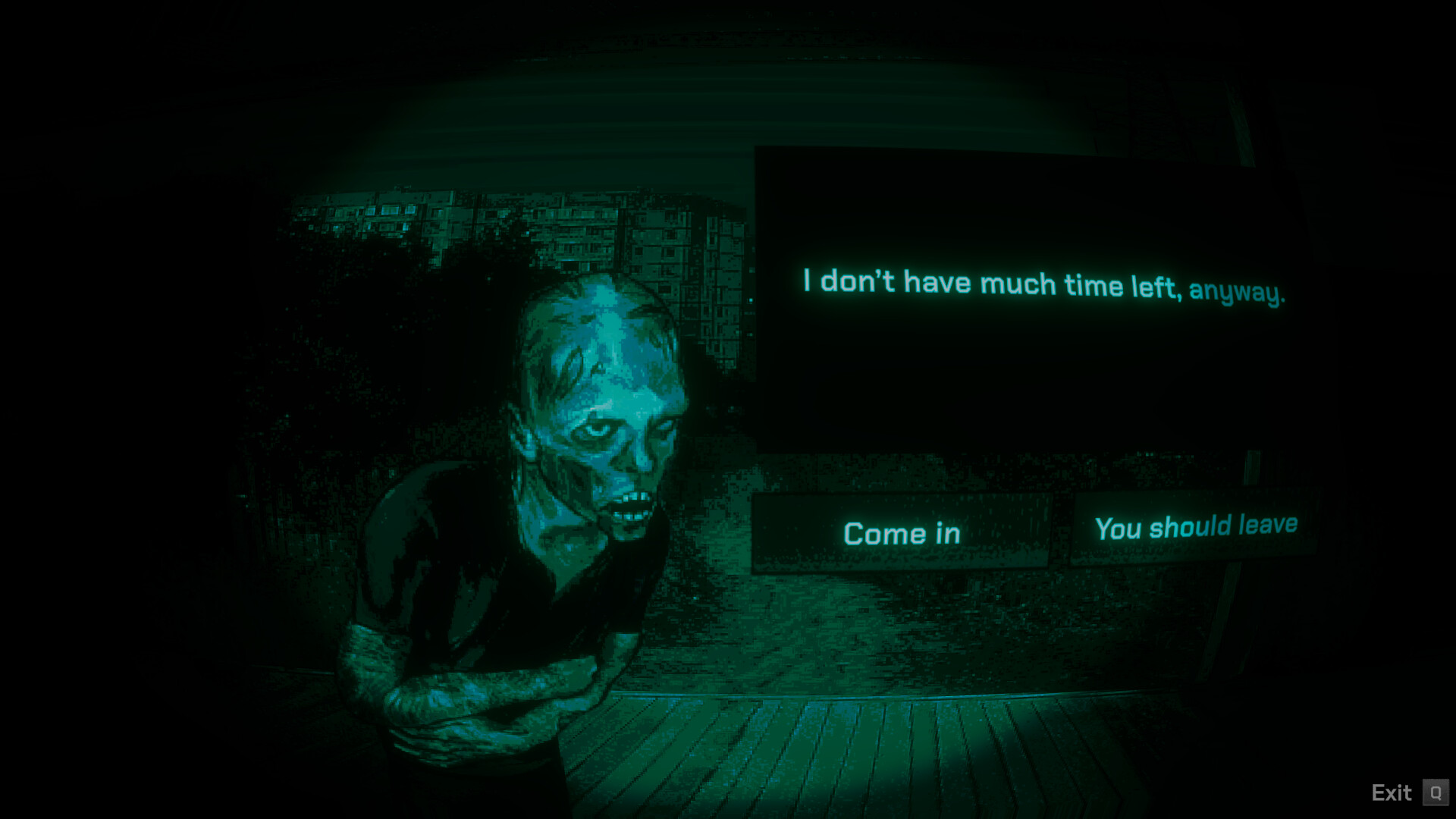
No, I'm not a Human recent updates have addressed controller prompt display issues that occurred when players switched between input methods during active sessions. The current system correctly maintains controller button prompts when using Xbox or PlayStation controllers natively, and provides appropriate fallback behavior when Steam Input conflicts occur.
Mixed input scenarios (using both mouse/keyboard and controller in the same session) now include better conflict detection and user warnings. However, optimal experience still requires selecting one input method per playthrough to avoid UI prompt confusion during critical examination moments.
Graphics and Performance Optimization
Performance updates have focused on frame rate stability during complex examination sequences and loading optimization between day and night phases. Graphics driver compatibility has been improved for both NVIDIA and AMD hardware, with specific fixes for high-DPI display scaling issues that affected examination interface clarity.
Memory usage optimization reduces RAM requirements during extended play sessions, addressing issues where long playthroughs could cause performance degradation. These improvements particularly benefit players using minimum-specification hardware configurations.
Localization and Language Updates
Font and Character Support Improvements
Localization updates have significantly improved readability and authenticity across non-Latin character sets. The migration to DotGothic font for Japanese text maintains atmospheric consistency while improving character recognition during critical dialogue examination sequences. Korean language support includes expanded character atlas coverage for regional dialogue variations.
Chinese language support improvements include traditional and simplified character variants with appropriate font selection for different regional preferences. These updates ensure that the psychological tension and atmospheric design translate effectively across different linguistic and cultural contexts.
Audio and Voice Integration
While the game primarily relies on environmental audio and atmospheric sound design, localization updates include region-appropriate audio cues and environmental sounds that maintain immersion across different cultural contexts. Voice processing improvements ensure dialogue tell recognition remains consistent across all supported language versions.
Current Known Issues and Workarounds
Minor Issues Under Investigation
Several minor issues remain under active investigation by the development team. These include rare audio desynchronization during examination sequences on specific hardware configurations, occasional UI scaling problems on ultra-wide monitors, and edge-case controller vibration conflicts with certain third-party gamepad software.
Community-identified workarounds for these issues are documented in the Steam Community hub with regular updates as new solutions are discovered. Most issues have minimal impact on core gameplay and do not affect ending progression or achievement unlocking.
Bug Reporting and Community Support
How to Report Issues Effectively
Effective bug reports include system specifications, detailed reproduction steps, and screenshots or video capture when relevant. The development team prioritizes issues that affect gameplay progression, save file integrity, or accessibility. Include your save file for progression-blocking issues to enable faster diagnosis and resolution.
Use the official Steam Community discussions for bug reports rather than reviews or other channels. Community moderators can escalate critical issues directly to the development team and provide faster initial troubleshooting assistance.